What is this game
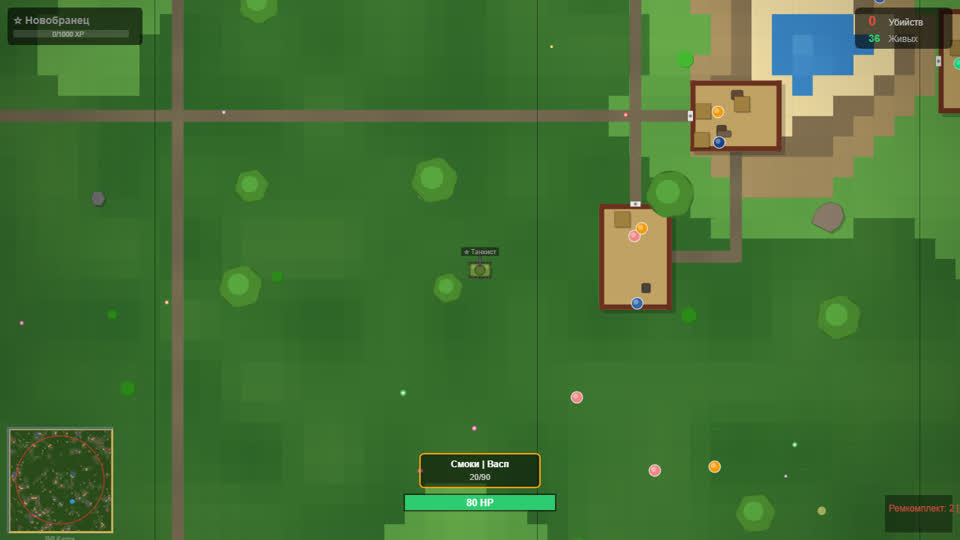
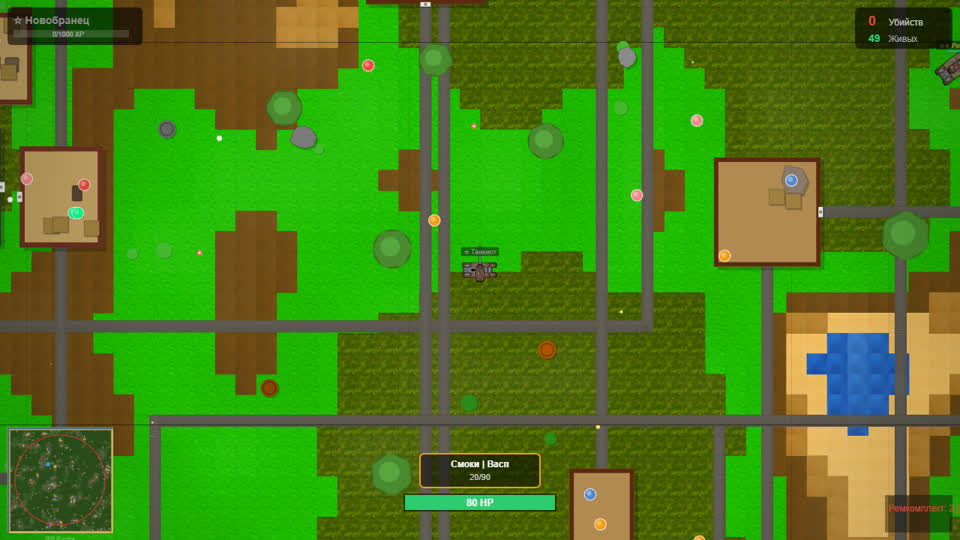
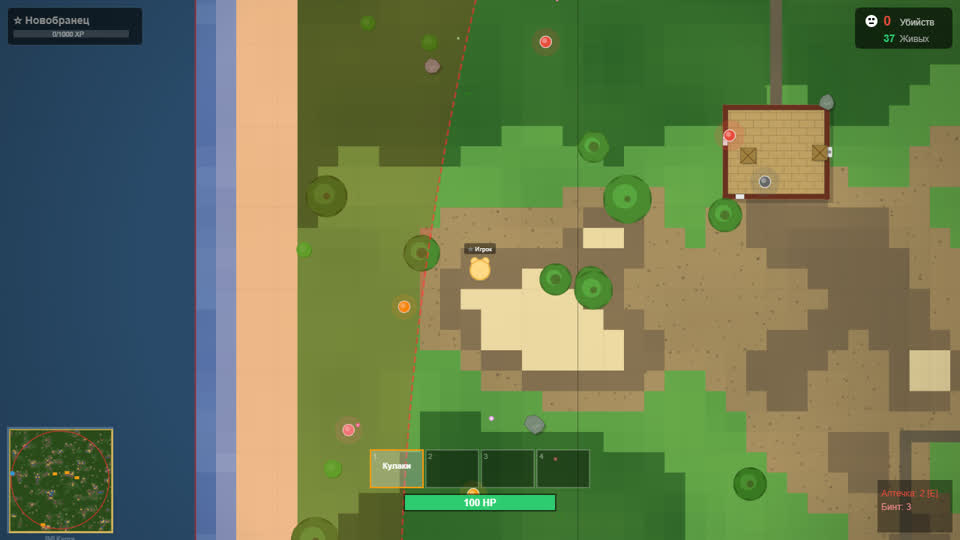
One map, up to ten players in a room and one goal — be the last one standing. Along the way you pick up weapons, from a pistol to a shotgun and a sniper rifle, three levels of body armour and medkits, and you can jump into cars, quad bikes and motorbikes. Play in the public lobby, in a party with friends or in a room by invitation.
The game opens in Telegram as a mini app and in a regular browser via a link — there is nothing to install.
How to start playing GGRUSH
- Open the game in Telegram or via a link in your browser.
- Choose the lobby for a random match, or create a room and send your friends an invite.
- Gear up with a weapon and a vest first, then look for a fight — not the other way round.
Features
- Up to 10 players. A short survival match: the last one left wins.
- Vehicles. Cars, quad bikes and motorbikes; a vehicle you bought spawns next to you at the start of a match.
- Gear. Weapons of different classes, three levels of body armour and medkits right on the map.
- Ranks and pass. Ranks grow with every match, the battle pass makes that three times faster and unlocks skins.
Tips for beginners
The first seconds of a match matter more than they seem: do not run straight at other players — weapon and vest first, fight second. Vehicles help when you need to relocate fast, but in a car you can be seen from far away. Use medkits behind cover, not in the middle of a firefight.
If the game lags on your phone, close background apps and check your connection: battles run on the server, so a stable connection matters more than a powerful phone.
Questions and answers
Do I need to download GGRUSH?
No. The game opens in Telegram or in a browser via a link, there is nothing to install.
How much does it cost?
Playing is free. Telegram Stars buy the battle pass and skins for your character, weapons and vehicles.
Can I play on a phone?
Yes — the game is made for phones first: a joystick to move and on-screen buttons.
What if the game does not open?
Reload the page, make sure your browser is up to date and turn off ad blockers for gggame.fun.